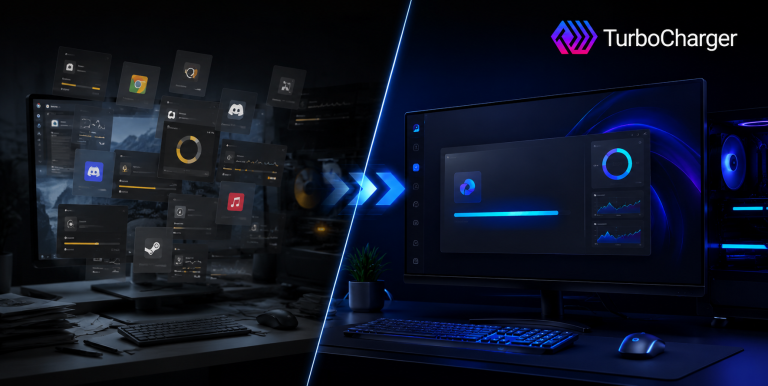
2K USERS AND COUNTING

Make your PC faster
in under 1 minute

  • Free resources: Reduce unnecessary CPU, memory, and disk usage.
  • Stop slowdowns: Control background apps and processes automatically.
  • Stay optimized: Keep peak performance with real-time tuning.
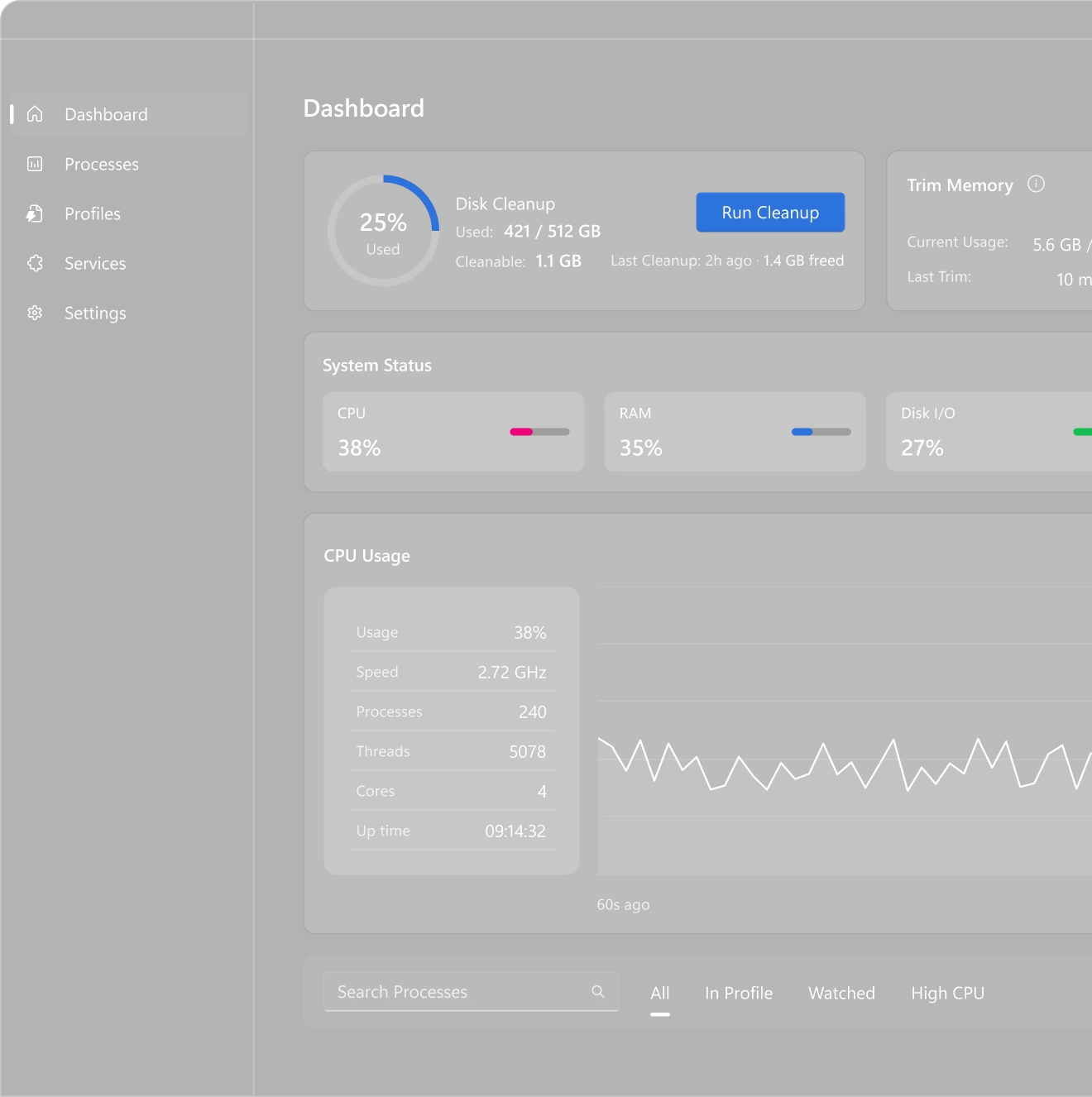
TurboCharger dashboard showing live CPU, memory and disk usage

The problem

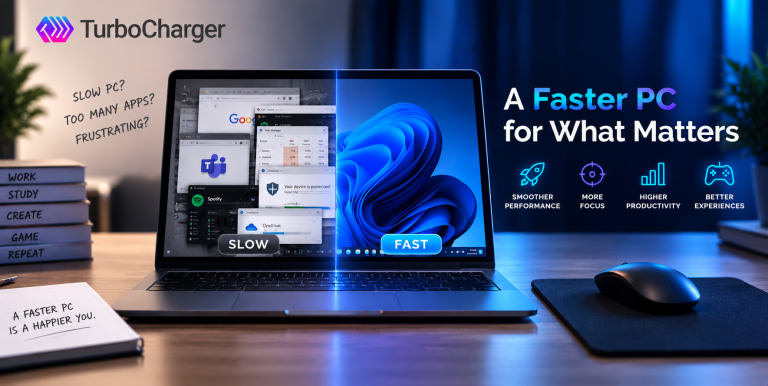
Why your PC feels slow

Your computer isn't running out of power; it's mismanaging it.

Background processes

Tasks running in the background consume CPU resources.

Idle application

Unused programs often occupy memory.

Unnecessary system services

Some system services keep running despite not being needed.

The result? Lag, stutters, and wasted performance.

Your most important tasks get slowed down because they're not prioritized properly

End the lag now

The solution

Meet TurboCharger your system's
performance engine

TurboCharger

No manual tweaking.
No technical setup.

TurboCharger intelligently manages your system across CPU, memory, disk, background services, and system clutter, ensuring your most important apps always get priority while unnecessary files and processes don't slow you down.

Learn more

*No upgrades. No setup. Zero Lag.

Person working on a laptop outdoors

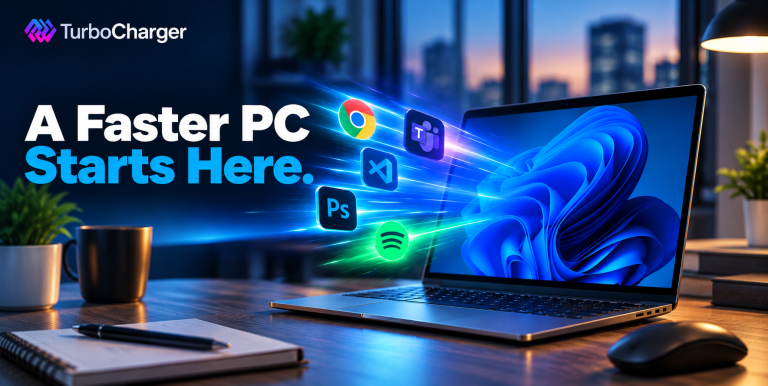
Just install it,
and your PC starts working smarter.

From real-time optimization to automated performance tuning, TurboCharger works behind the scenes to keep your system running at peak efficiency.

Start free 14-day trial

Features

Tap the untapped power
with TurboCharger

Your PC already has the power; you're just not using it efficiently. TurboCharger redistributes resources so your system runs at its full potential.

Continuously adjusts CPU, memory, and disk usage in real time. It works silently in the background, so your system stays optimized always.

Prioritizes your active apps while reducing background interference. It controls CPU priority, affinity, and disk I/O for what matters most.

Removes junk files, browser cache, and system leftovers automatically. This keeps your PC lightweight and prevents hidden slowdowns over time.

Shows live CPU, RAM, disk, and network usage at a glance. Clear insights help you understand and control what's slowing your system down.

Lets you fine-tune CPU affinity and disk I/O priority per process. It delivers precise, hands-on control without added complexity.

Monitors critical apps and auto-restarts them if they crash. This keeps long-running tasks and workflows running without interruption.

Offers one-click profiles like Gaming, Productivity, or Streaming. You can also create, import, and export your own custom profiles.

Dynamically manages Windows services and power plans based on activity. This delivers smarter, system -wide performance in real time.

Reclaims unused RAM from idle processes automatically. This improves multitasking and reduces lag when your system is under load.

Learns your usage patterns and applies optimal settings automatically. Performance keeps improving the more you use your system.

Features a clean, modern interface with dark mode support. Multiple themes let you personalize the experience for long sessions.

Automatic performance optimization

User personas

Built for Real Work. Real Performance.
Real Experience

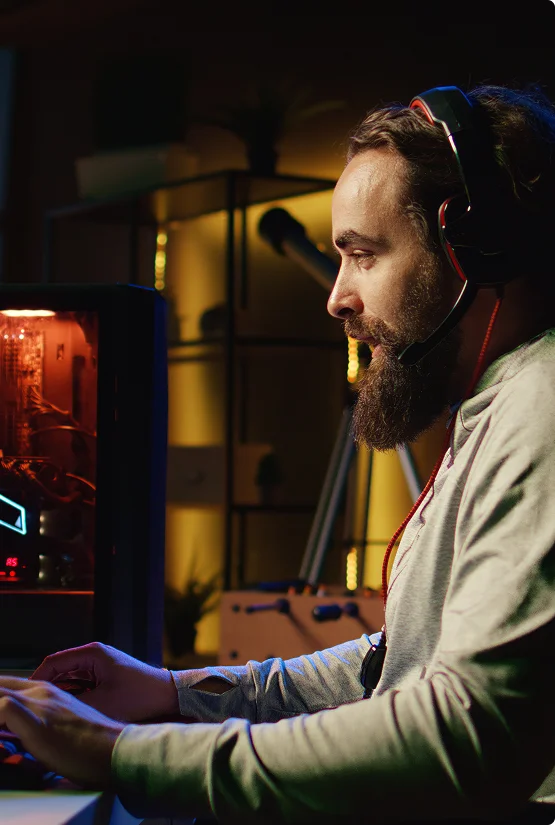
Gamer at a multi-monitor setup

Gamers

Get smoother frame rates and faster load times by automatically freeing up CPU, memory, and background resources for your games.

Learn more
Creative professional editing video

Creatives

Long renders or exports won't be lost; TurboCharger helps keep critical applications running and automatically recovers them if something goes wrong.

Learn more
Gamer at a multi-monitor setup

Entrepreneurs

Get smoother frame rates and faster load times by automatically freeing up CPU, memory, and background resources for your games.

Learn more
Creative professional editing video

Advanced users

Long renders or exports won't be lost; TurboCharger helps keep critical applications running and automatically recovers them if something goes wrong.

Learn more
Gamer at a multi-monitor setup

PC performance seekers

Get smoother frame rates and faster load times by automatically freeing up CPU, memory, and background resources for your games.

Learn more
Creative professional editing video

Tech professionals & dev’s

Long renders or exports won't be lost; TurboCharger helps keep critical applications running and automatically recovers them if something goes wrong.

Learn more

Get started

How to set up TurboCharger

Getting started takes less than a minute

STEP 1

STEP 1

Download

Simply download the app, and you're one step closer to a faster, smoother PC.

STEP 2

STEP 2

Install

Quick, hassle-free installation with zero configuration needed. No settings to tweak, TurboCharger is ready to go right out of the box.

STEP 3

STEP 3

Start Prioritizing Apps

Launch TurboCharger and let it do the work. It automatically prioritizes your most important apps, so your system runs faster and more efficiently from the start.

The numbers really tell story

0+

Users finally stopped blaming their hardware

Without

TurboCharger

  • Manual task management
  • Constant slowdowns
  • Time-consuming tweaks
  • Inconsistent results
With

TurboCharger

  • Fully automated optimization
  • Smart resource allocation
  • Real-time system control
  • Consistent, smooth performance

Pricing

Start free. Unlock full power
when you’re ready.

Use Starter free forever, or try every Professional feature free for 14 days.

Starter

Free

No payment required

Download Now
  • Live performance dashboard
  • Real-time app list
  • Activity log and change log
  • Run cleanup
  • Run scan
  • CPU priority rules (up to 5 apps)
  • Windows services and profiles (view only)
  • 7 themes
  • Start with Windows
  • Tray quick actions

Professional

$0 today

$23.99 / Year after trial

Get Started
  • Everything in Starter
  • Unlimited CPU priority rules
  • AI optimization
  • AI history and learned patterns
  • Foreground boost
  • Auto-apply profiles
  • Service rules
  • Power plan automation
  • Disk I/O priority per app
  • Watchdog
  • Memory trim per app
  • Scheduled cleanup and memory trim
Best value

Premium

$0 today

$59.99 / 3 Years after trial Save 17%

Get Started
  • Everything in Starter
  • Unlimited CPU priority rules
  • AI optimization
  • AI history and learned patterns
  • Foreground boost
  • Profiles
  • Auto-apply profiles
  • Service rules
  • Power plan automation
  • Disk I/O priority per app
  • CPU affinity
  • Watchdog
  • Memory trim per app
  • Scheduled cleanup and memory trim

Social proof

Loved by users who
demand performance

Michael R.

Gamer

Even though my gaming PC had decent hardware, I constantly experienced random slowdowns, longer load times, and occasional stuttering during gameplay. I couldn't figure out what was causing the performance issues until I tried TurboCharger. Within minutes, it identified and cleaned up unnecessary background processes that were consuming system resources. The difference was immediately noticeable — games launched faster, frame rates felt more stable, and overall system responsiveness improved significantly. TurboCharger has become an essential part of keeping my gaming setup running at its best.

Sarah K.

Content Creator

I edit video full-time and frequently run heavy exports. TurboCharger keeps everything responsive without constant tweaking.

Jason T.

IT Consultant

As someone who likes having full control over system performance, the CPU affinity presets and process management tools in TurboCharger are exactly what I've been looking for. Instead of manually adjusting settings every time I launch an application, I can create optimized configurations.

Daniel M.

Entrepreneur

The profile system is one of my favorite features in TurboCharger. I use my PC for both work and gaming, and constantly changing settings used to be a hassle. Now I can switch between customized profiles with a single click, and everything adjusts automatically to match what I'm doing. My work profile keeps things optimized.

Emily W.

Everyday user

I was about to upgrade my PC. Installed TurboCharger first and realized the problem wasn't my hardware at all.

Blogs

Everything you need to get the
most out of turboCharger!

Read all
FasterPC

How to Speed Up Computer: Complete 2026 Guide 

Read more
windows optimization

How to Speed Up My Computer: 15 Proven Ways to Get Instant Results  

Read more
Computer Speed Up Guide: Fix a Slow PC in Minutes 

Computer Speed Up Guide: Fix a Slow PC in Minutes 

Read more