


Smooth scrubbing
Timelines follow your cursor frame for frame, even on heavy projects.
Trusted by 10,000+ creatives
When your tools run seamlessly, your ideas flow faster.
TurboCharger keeps your system responsive by intelligently managing CPU, memory, and background activity, so you can edit, design, and render without interruptions.
Faster response from the moment you start.
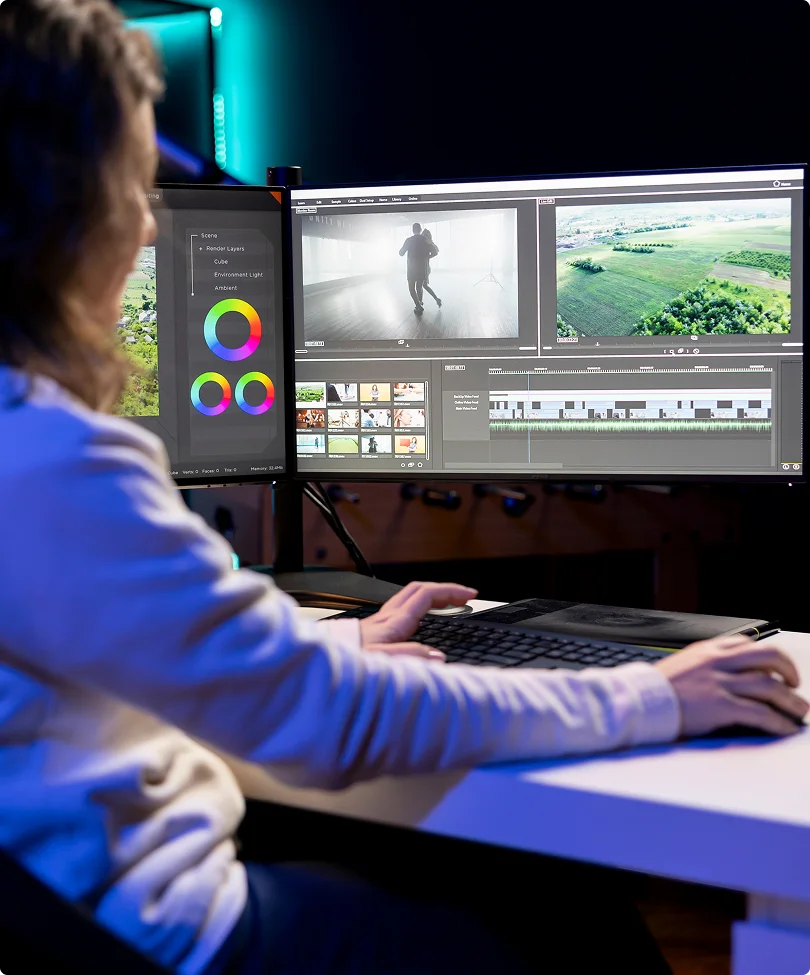
See what’s breaking your creative flow
The problem
While you’re working, background processes, memory usage, and disk activity quietly compete
for resources — making everything feel heavier than it should.
Scrubbing and trimming fall behind your cursor once the project gets heavy.
Playback drops frames even when the footage itself is perfectly fine.
One export takes over the machine and the rest of your work grinds along.
Memory usage and disk activity pull resources away without you noticing.
The solution
TurboCharger ensures your editing, design, and 3D software always get priority access to system resources.
It optimizes CPU usage, manages memory, reduces background interference, and keeps your system responsive, even during heavy rendering or multitasking.
With performance profiles and real-time optimization, your system adapts to your creative workflow automatically.
No manual tweaks. No constant adjustments.
The impact
Timelines follow your cursor frame for frame, even on heavy projects.
Previews load quickly and reliably instead of stalling mid-playback.
Move between editing, design, and export tools without the lag between them.
Your system stays usable while exports run in the background.
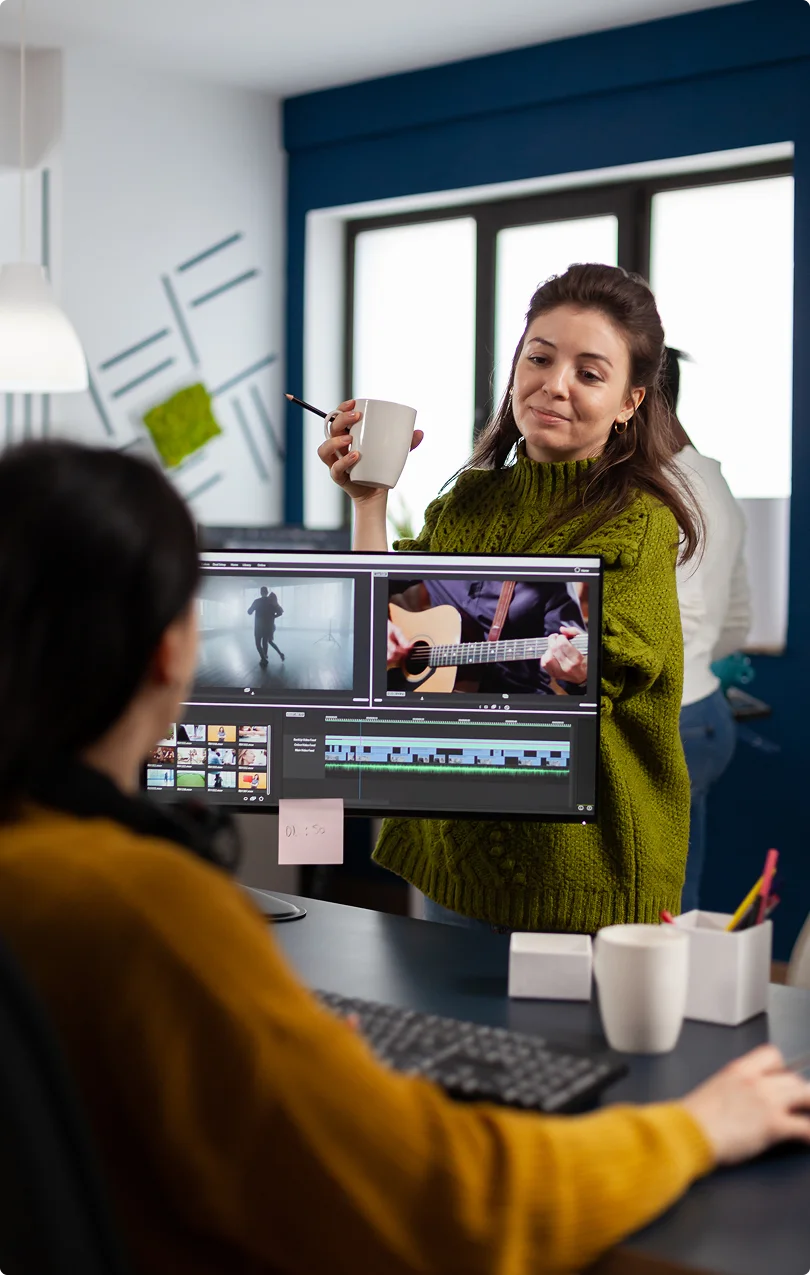
Prioritizes your editing software and optimizes system resources so scrubbing and playback stay fluid.
Keeps your system responsive during renders by managing background processes and resource allocation intelligently.
Run design tools, assets, browsers, and background apps together without performance drops.
From opening large projects to exporting final work, everything feels faster and more consistent.
Frees up RAM from idle apps and reduces unnecessary disk activity to prevent slowdowns during heavy creative tasks.
With process watchdog protection, critical creative apps stay running and automatically recover if something goes wrong.
A clean interface with dark mode and customizable themes reduces eye strain during extended creative work.
Differentiation
Lag, slow previews, and constant tweaking break your creative flow.
TurboCharger works in the background, continuously optimizing system performance while giving your creative tools priority access to resources.
It adapts to your workflow in real time, so you stay focused on creating, not managing your system.
It probably is.
But even powerful machines slow down when multiple apps, assets, and background processes compete for resources.
TurboCharger ensures your editing and design tools always get priority access to CPU, memory, and system resources, so your system performs the way it should.
It doesn’t replace your setup. It unlocks it.


