


Smoother FPS
Smoother and more stable FPS across all your favorite titles.
Trusted by 10,000+ gamers
It’s not just your GPU; it’s background processes, memory usage, and system activity stealing performance from your game.
TurboCharger keeps your system focused on your game by prioritizing CPU, memory, and system resources in real time, so you get smoother gameplay, steadier frames, and fewer interruptions.

See what’s stealing your performance
The problem
Even during gameplay, your PC is still handling background tasks that steal precious frames.
Launchers, overlays, and other apps running alongside your game.
System and app updates downloading and installing silently.
Hidden processes consuming CPU, RAM, and disk in the background.
They compete with your game for resources, causing FPS drops.
The solution
TurboCharger shifts your system’s full focus to your game.
It prioritizes game processes, optimizes CPU usage and affinity, manages memory, and reduces disk and background interference automatically.
With built-in gaming performance profiles and real-time optimization, your system adapts instantly when you start playing.
No manual tweaks. No constant adjustments.
The impact
Smoother and more stable FPS across all your favorite titles.
Lower input lag and faster response for competitive edge.
Consistent performance during intense gameplay sessions.
Better system stability during long gaming marathons.
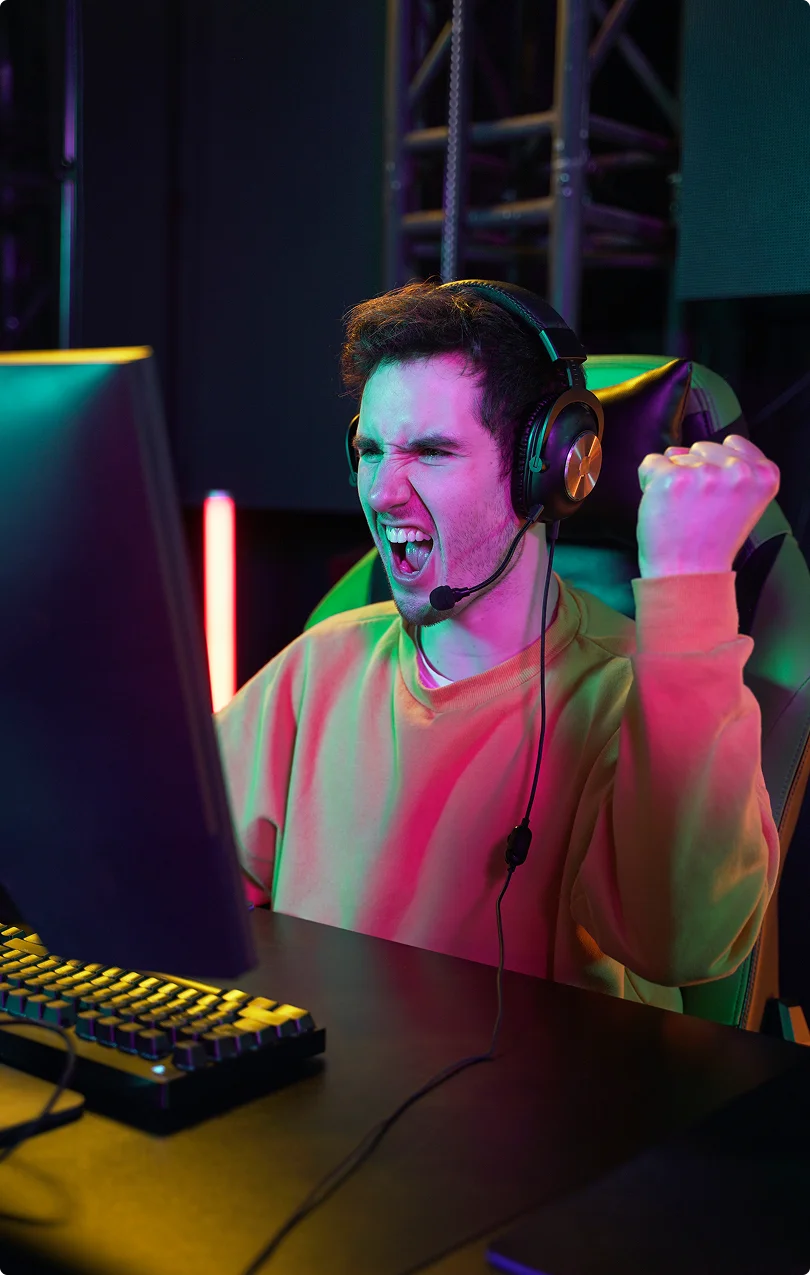
TurboCharger prioritizes your game and optimizes CPU affinity and resource allocation to keep frame rates consistent, even in demanding scenes.
Background processes are controlled, memory is optimized, and disk activity is reduced, eliminating random slowdowns and stutters.
Run your game and streaming software together with optimized resource distribution and system-level control.
With better CPU scheduling and reduced system interference, every action feels quicker and more precise.
Use performance profiles designed for gaming to instantly apply the best system configuration for maximum performance.
With process watchdog protection and smart system management, your game and critical apps stay running without interruptions.
A clean interface with dark mode and customizable themes reduces eye strain during long gaming sessions.
Differentiation
Closing apps, tweaking settings, managing processes, it’s inconsistent and time-consuming.
TurboCharger automates performance optimization in real time while giving you advanced control like CPU affinity, process prioritization, and system-level tuning when you need it.
Switch to a gaming profile and let TurboCharger handle the rest.

Even high-end systems run dozens of background processes, services, and tasks that compete with your game.
That means your performance is still being split, no matter how powerful your hardware is.
TurboCharger ensures your game gets priority access to CPU, memory, and system resources, so your hardware performs at its full potential.
It doesn’t replace your setup. It unlocks it.


