
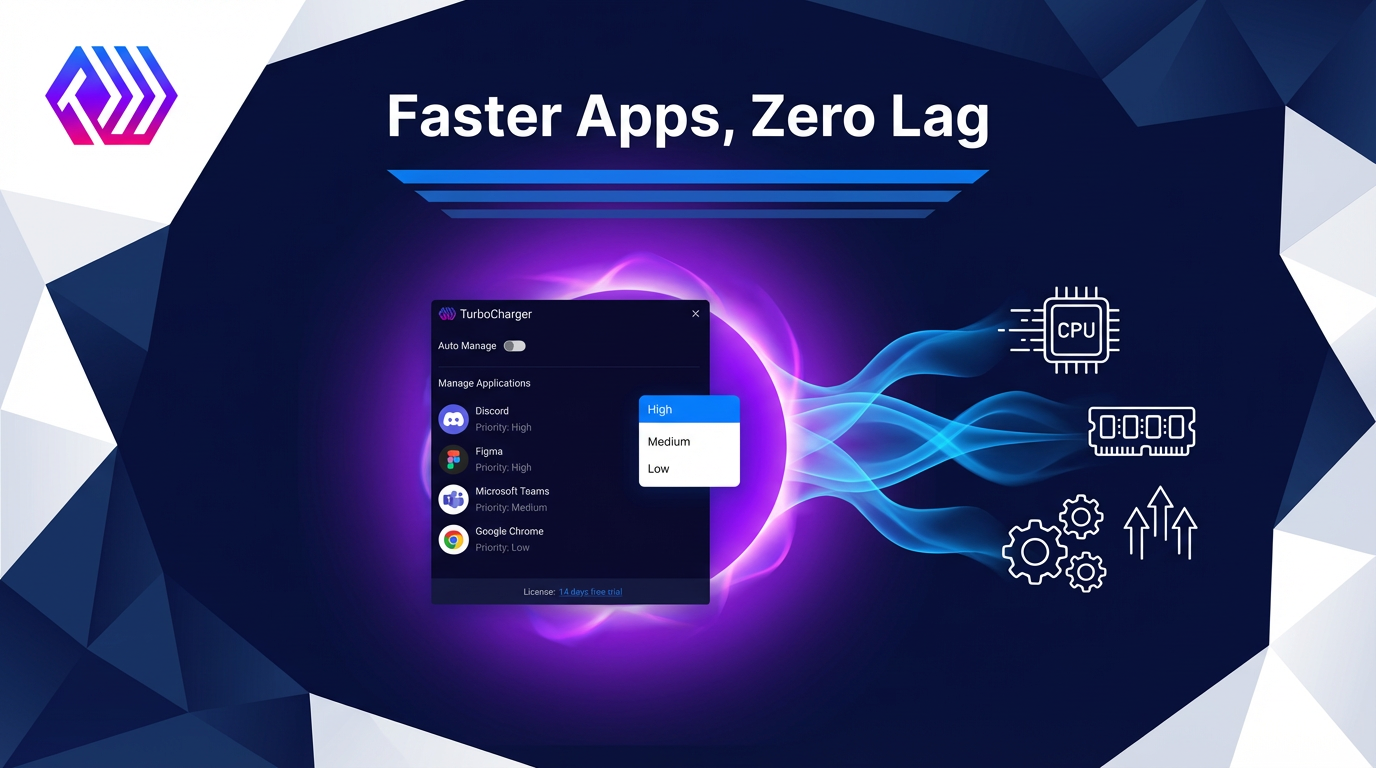
These days, with everything happening so quickly on computers, getting your PC to run at its best is really important for work and fun. If you’re really into gaming, doing complicated work, or even just using a lot of programs at once, your computer has to be able to handle it all. TurboCharger is intended to get the most out of your computer by smartly controlling the CPU and memory, so you’ll have a smooth experience with no delays. This article will explain how TurboCharger, as well as similar programs for making your computer better, can improve how quickly and reliably your computer runs, meaning your computer will be as efficient as possible.
Understanding PC Optimization Software
When it comes to making your computer better, programs like Microsoft’s PC Manager and AVG TuneUp are top choices for speeding things up. They’re really good at getting rid of unnecessary files, adjusting settings and looking after all of your computer’s “stuff”.
Microsoft’s PC Manager works easily with Windows, so cleaning up your system feels natural. It’s especially good at deleting those files your computer only used briefly and is clever about what programs launch when you turn on your computer, freeing up the computer to do other things. All of this makes your computer work as it should, with as little slowing down as possible.
Boost Efficiency and Performance with AVG TuneUp’s Advanced Features
AVG TuneUp is also well known for being a complete collection of tools to get a new lease on life for your computer. It gets rid of useless files and puts the bits and pieces on your hard drive back in order, which makes the system much cleaner. What’s more, it will automatically change settings to use less power and make the processor work more efficiently, and this makes everything you do on the computer each day work better.
These two programs that speed up your computer both keep a careful watch on how quickly your system is running and are always trying to improve it. By cleaning things up and carefully adjusting the system, they provide a solid base for your computer, so it’s ready for tough things like computer games. If you want your computer to run more smoothly in general, these programs are really important to have.
Unleashing Gaming Potential with FPS Boosters
If you want your game to run better, software to improve your frame rate is really important. Players who want gameplay that’s really absorbing and without stopping or slowing down need these tools. They improve how many frames per second your game gets, making quick action much smoother, and they do this by changing the graphics settings – for instance, the sharpness of shadows, how detailed textures are, and how far you can see.
What’s more, these optimizers for gaming frame rates usually cut down on lag by helping your game and your computer work together more efficiently. This decreased delay is incredibly important when you are competing and need to respond quickly. And, they speed up how the graphics are created on the screen, so even the most demanding visual parts of a game happen without pausing or being interrupted.
Elevate Your Gaming Experience with Top FPS Boosters
Razer Cortex, MSI Afterburner and NVIDIA GeForce Experience are all popular options and each does something specific for all types of gamers, from those who play for fun to the very dedicated. Razer Cortex will stop unneeded programs running in the background to give your computer more power. MSI Afterburner is about getting more from your graphics card by letting you to increase its speed. GeForce Experience, on the other hand, is great at easily updating your graphics drivers and adjusting your game settings with just a single simple process.
Using an FPS booster generally makes a big difference to how your games play, changing slow and frustrating gameplay into something fast and exciting, for relaxed games or intense online battles.
Enhancing System Performance and Efficiency
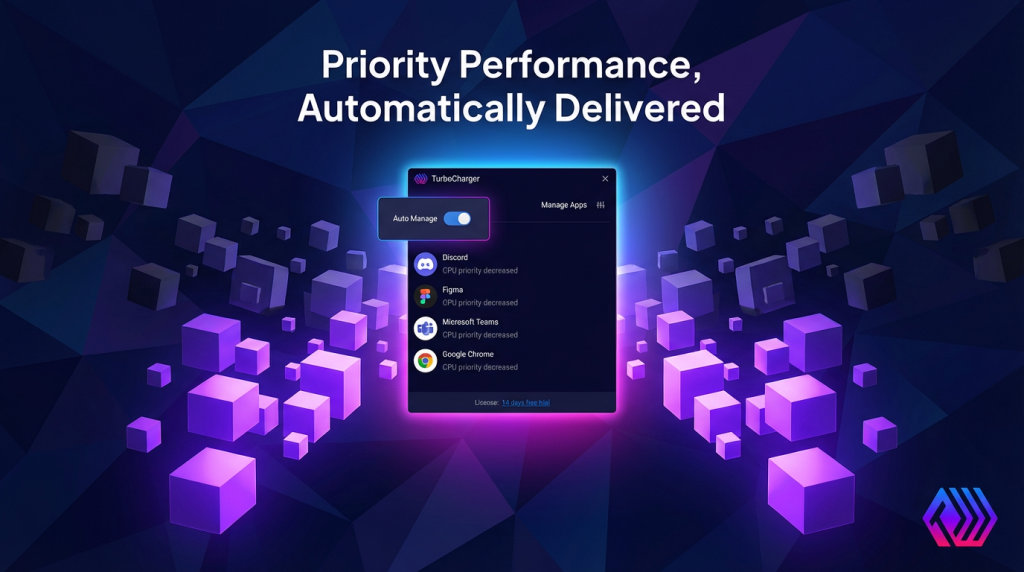
The way computers handle what you ask of them, both normal things and really demanding games, is hugely changed by software that improves system performance. These programs smartly share the work that needs doing across all the parts of your computer’s brain (the CPUs) so things don’t get stuck, and everything keeps responding to you. Because of this, your CPU won’t be pushed too hard by programs that use a lot of power, and your gaming or doing multiple things at once will be smooth.
What’s more, application optimization cleans up the basic instructions for programs, allowing them to run quicker and be more efficient. By getting the directions to the processor just right, these changes mean things happen faster with less effort, reducing delays and speeding things up. Faster caching, which prioritizes easy access to things you use all the time, is another trick, lowering how long it takes to find data and giving you a distinctly faster experience with the visuals of your computer.
Achieving Optimal Performance: Speed, Resources, and Stability in Harmony
Getting the right mix of making things go faster and controlling what they use is still really important. Pushing for speed too much could actually make your system less likely to work, or make it use up a lot more power and storage, which would slow things down in the long run. So, choose programs that cleverly balance speed, how much they use of your system’s capabilities, and how solid they are. That way, people get a quick response from the system, it will still be there for them, and you’ll have a strong and lasting setup.
Optimizing Computer Speed with Speedup Tools
These days, programs that optimize your computer are a great way to get everything you can out of it, by speeding up how your processor works and adjusting your hardware to work more effectively. This helps with really intense gaming and with just what you do every day. Lots of the best of these programs make starting up your computer easier. They get rid of how long you have to wait for it to load because of all the applications trying to begin when the computer does. CCleaner, a really good one, is good at clearing up what happens at startup, so your computer starts up quickly without anything getting in the way.
What’s just as important is managing the apps running in the background, which use up your resources without you even realizing. Razer Cortex, for instance, is brilliant at smartly stopping programs that aren’t essential, so your computer can use more of its strength on the things you are doing. This makes your computer feel much quicker to respond and improves how well it runs in general.
Streamline Your System: How Memory Management Improves Performance
Good memory handling is really important too. Programs like the free version of Advanced SystemCare find and release RAM that’s being used by programs you aren’t actively doing anything with, so things don’t slow down and you can switch between lots of tasks easily. Using your RAM in the best way means less of that delay you get when you have a bunch of programs open at once. All these types of programs to speed up your computer can save you precious seconds when you start up, and give you a smooth, speedy experience.
Game Performance Optimization Techniques
If you want your gaming to be as good as it possibly can be, you really need to understand how to seriously improve how well your games run. Gamers can get more from their computers than they were originally designed for by making the CPU and graphics card work faster by changing their clock speeds. This is a careful thing to do, usually using programs like MSI Afterburner, but it can really raise the number of frames per second and make your whole system work more efficiently.
And, crucially, you should also keep your graphics drivers up to date. Having the newest graphics software installed means it will work with new games and it’s less likely to break. NVIDIA GeForce Experience and AMD Radeon Software are programs that make getting these vital updates simple.
Overclocking and Keeping Your Drivers Updated
If you want your gaming to be as good as it possibly can be, you really need to understand how to seriously improve how well your games run. Gamers can get more from their computers than they were originally designed for by making the CPU and graphics card work faster by changing their clock speeds. This is a careful thing to do, usually using programs like MSI Afterburner, but it can really raise the number of frames per second and make your whole system work more efficiently.
And, crucially, you should also keep your graphics drivers up to date. Having the newest graphics software installed means it will work with new games and it’s less likely to break. NVIDIA GeForce Experience and AMD Radeon Software are programs that make getting these vital updates simple.
Future of Performance Tuning Software
As technology keeps moving forward, software to make your computer run better is about to get some amazingly new features. A really important one is using artificial intelligence to optimize how your computer performs. These smart programs look at what’s happening with your data and make changes to improve speed with a lot more precision than methods we’ve used before, and they could totally change how we get more out of our PCs. AI will provide a more individual, and importantly, a more successful improvement by adjusting things to how you use your computer.
Also, a huge improvement will be in software that watches your system while it’s running. Being able to follow and fix problems with performance as they happen will be critical as programs get more complex. This gives you a quick response, allowing for changes to happen immediately to maintain the best speed possible, all without you having to do anything yourself.
Cloud-Powered Performance for Enhanced Efficiency
Things are changing completely in the world of getting the best performance from your computer because hardware tuning and improving performance with the cloud are now working together. By using huge amounts of information and incredibly powerful computers, linking with the cloud provides ways to tune performance that can grow as needed and will continue to work even if something fails. This combination allows for updates to happen without a problem and keeps your systems at their best with the very latest improvements.
All of these developments will substantially change how we make PCs and gaming systems run more efficiently. We’re moving to solutions that are more intelligent, adjust to what’s happening, and cover everything, and they’ll offer levels of tweaking and performance gains that have never been available before.
Conclusions
Utilizing PC optimization utilities plays a crucial role in preserving system health and securing top-tier performance for both gaming and daily tasks. These tools provide notable advancements, ranging from lowering lag and boosting graphics quality to managing resources efficiently. By investing in such technologies, you not only see immediate operational performance gains but also significantly enhance system lifespan and usability.